I am using ver 8.0 build 6008 and I have noticed the next issue.
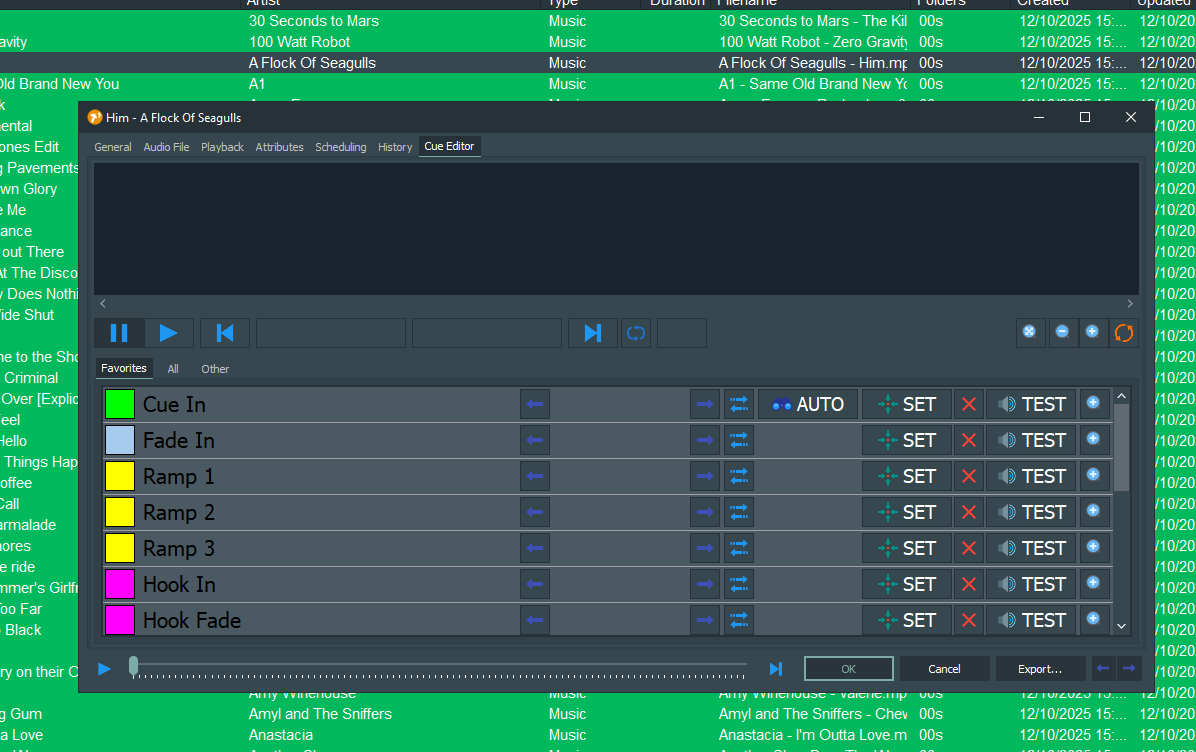
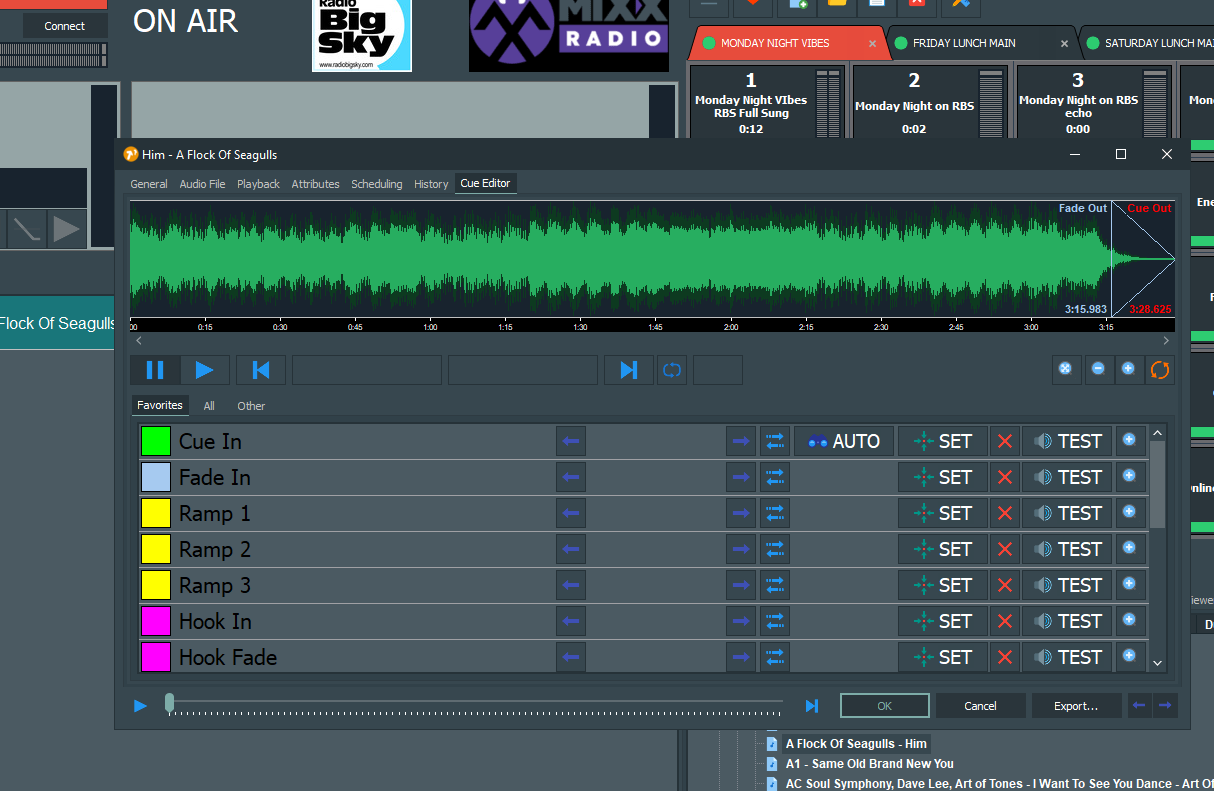
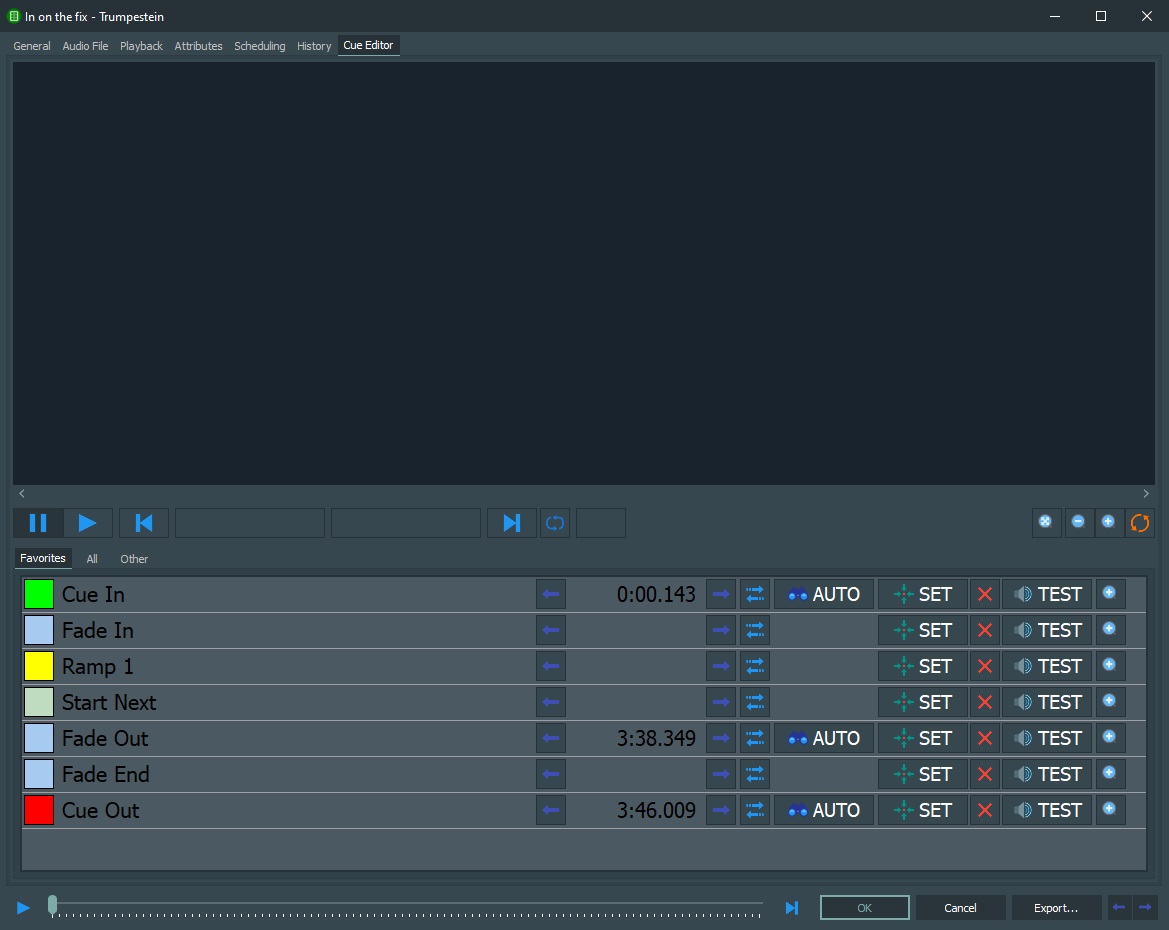
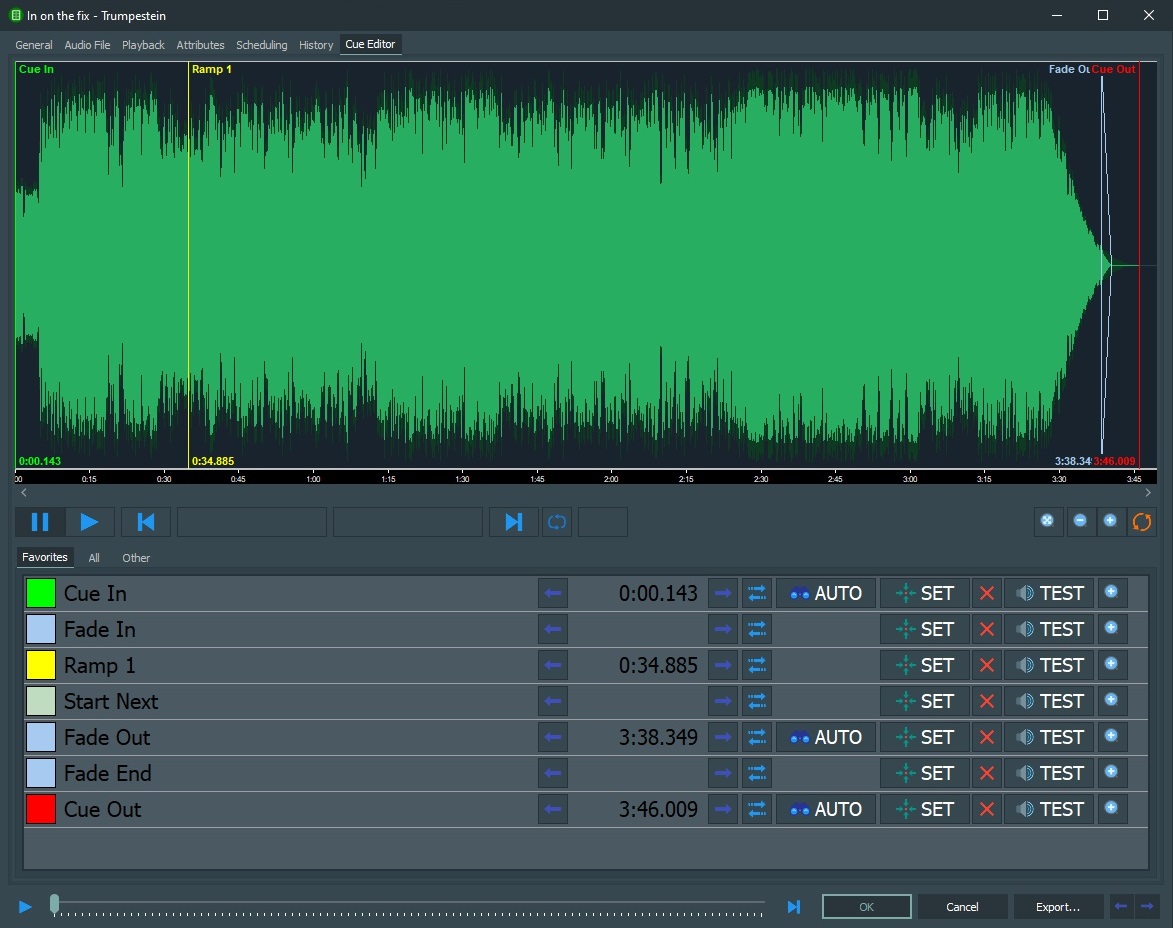
When a song is imported in the database and only has the standard marks wich are added while importing, the waveform isn’t shown. When adding one of the other cue marks manually and save it, the wave form is visible the next time you open the song. Here 2 screenshots of the issue:
Duration is indeed not shown on the general tab for that files. once you added a cuemark manually and save the database item, the duration is shown in the general tab aswell. once that is done, the waveform is visible.
Ok, so it was caused by this faulty Beta build that cleared all import options from the sync function, causing items with an unknown duration to be registered in the database.