I have a strange problem.
I upgraded to the latest 8.0 beta version, and following AI Claude’s recommendation after extensive research, I adjusted my tracks to the best possible quality, MP3 320kbps CBR, 48k Hz, ReplayGain EBUR 128 -18 Lufs, cleaning tags via Mp3Tag.
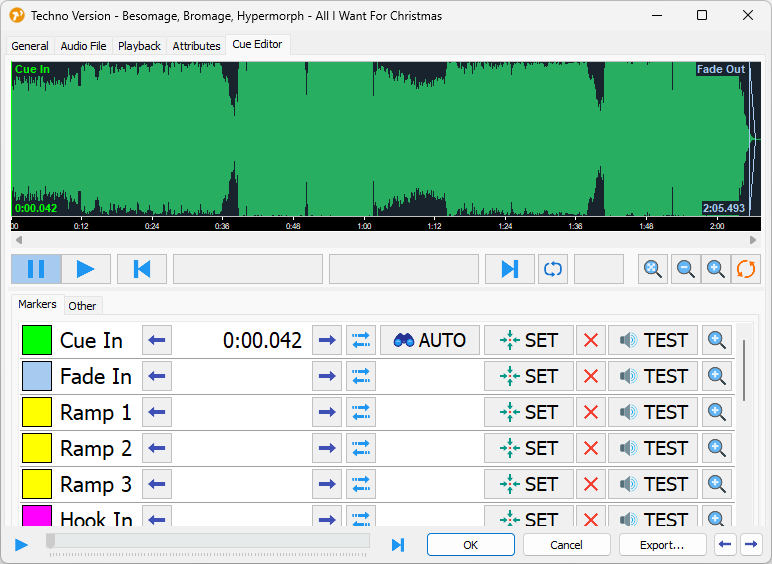
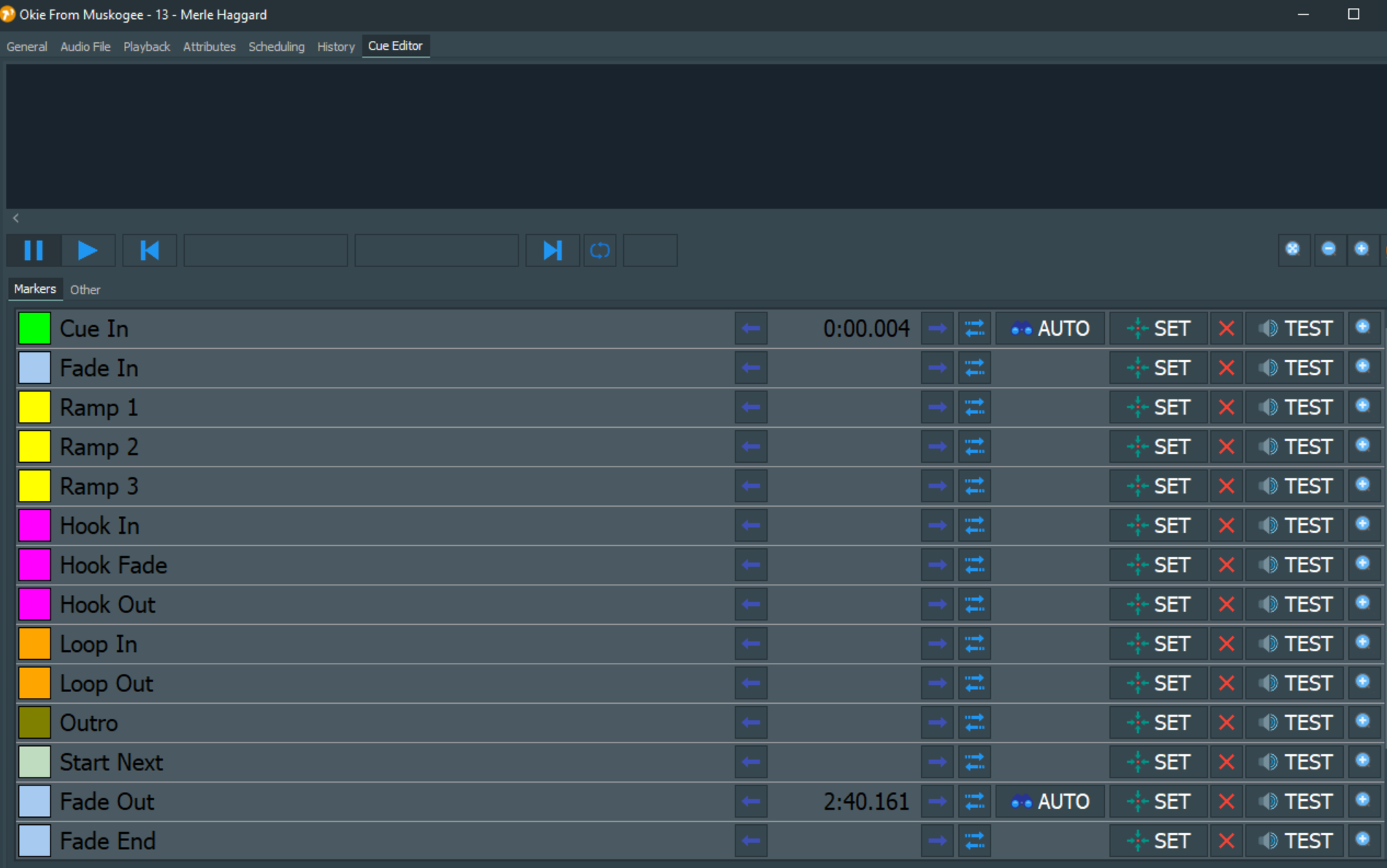
However, when copying and editing in Mairliste, it recognizes and plays the songs, but it cannot read the length of the song and does not display the waveform, and therefore cannot generate the playlist correctly.
After some investigation, I found that songs that are 44.1kHz do not have this problem.
Even songs that worked fine in version 7.0 and were 48k don’t work correctly in the new version.
Please comment if anyone has had a similar experience and can recommend how to proceed.
Desampling from 48k to 44.1k is unacceptable to me.
Is there a way to configure this in version 8.0, or should I convert the source FLAC songs to 44.1k MP3 (which I would like to avoid, as I don’t have them archived uniformly), or should I revert to version 7.0? Thank you. Ighi
Thank you for explaining the term “beta version.” Now I will remember it well enough.
I am far from panicking, but as a doctor, I can manage it with medication.
I am sorry that I probably do not meet the required level of technical expertise for a normal response, and I will try to fill in the gaps in the future.
Please upload one of the failing files here for inspection:
By the way, mAirList will decode all files of any format do linear PCM anyway during playout. There is no point in transcoding existing files. There will not be any gain in quality (unless you reencode from scratch from or WAV/CD).
Thanks for the clarification — that makes perfect sense.
Just to make sure I’m doing things right: what would you recommend as the best practice for preparing tracks for mAirList playback?
Let’s say I start with FLAC or WAV sources — should I convert them to MP3 320 kbps, and if so, which sample rate is preferable: 44.1 kHz or 48 kHz?
Also, is it better to keep ReplayGain (EBU R128 –18 LUFS) tags embedded in the files, or let mAirList handle normalization and loudness analysis automatically during import?
And one more thing — how should I deal with older MP3 files that are already encoded in different formats (for example 128 kbps / 44.1 kHz)?
Should I leave them as they are, just add ReplayGain tags, or re-analyze and normalize them when importing into mAirList?
Thanks a lot for your time and for maintaining this great software!
This is a matter of your preferences. If you like to achieve the “best” sound quality, go for wav or flac. This comes in quotes because you will be streaming with a data-reduced format anyway. If you have storage issues, choose some mp3 format to your liking, not less than a CBR of 192 kHz.
Let mAirList do the job and normalize to a convenient loudness level (but not higher than –18 LUFS).
I tried the the three files you uploaded, and they all work fine here, without any problems. Duration is extracted, waveform displayed, and playback works.
where there is also a photo. The cue editor was empty, the music started when I clicked play, but in the song settings, in the first tab, the song length was 00:00:00. This then caused the subsequent problem with generating the playlist, as it was unable to calculate the time.
Negative. No update, after klikin on the empty space, where should be the waveform, no changes after I save and reopen the file.
I was shutting it down, clean the windows from any mairlist file and leftover, and instal latest 7.4 version, which works with the same bunch of mp3s complete fine.
And was the duration field updated on the General tab after you started playback?
When the duration is unknown (= 0), the waveform cannot be displayed. You can verify that a duration is known by looking at the General tab.
When you start playback (on air or PFL), the duration will be updated automatically. This should be reflected on the General tab immediately. Then when you reopen the Cue Editor, the waveform should be back.
I think your issue might be relarted to this one (duration not read from files because options were unchecked):