mAirList is getting some very cool new (and long awaited) features!
Smart Folders (Yay!)
New “Smart Folders” allows you to assign a search query to a folder, and the folder content will automatically be the result of that query. (Advanced Edition and up, required license re-download)
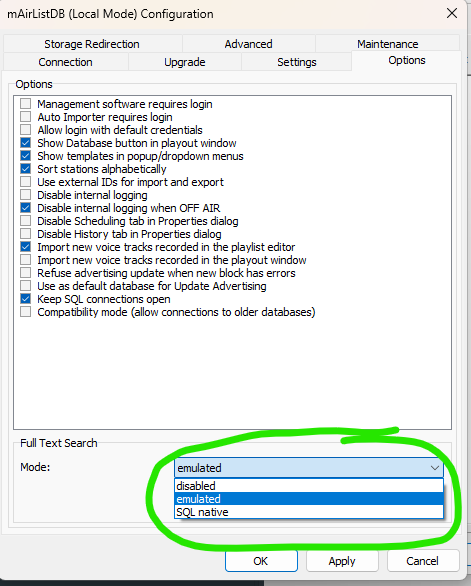
Currently only for PostgreSQL backend. Can be configured on the “Options” page in the DB connection configuration.
For non-supported backend, as well as local database, “disabled” or “emulated” modes are supported. Emulated mode will find substrings in all fields, but can be slow in large libraries.
Please note: This must be set in the database window for the master database connection. Internet DB connections will inherit the feature!
Akkording to this Topic here: Full Text Search and Advanced Search SQL Native only works on “real” Databases like PostgreSQL. In your configuration windows it shows local mode, I think the dropdown to chose the mode should only allow a choice that matches the database backend. Otherwise I imagine there will be tons of Threads here in the forum like: “My Fulltext search does not work. PLEASE HELP!!!”.
Yeah, I see! Good point. I just opened mAirList to take a look. As I can see, the header bar is enabled by default. However, I’ve gotten so used to not having it that I’d rather disable it.
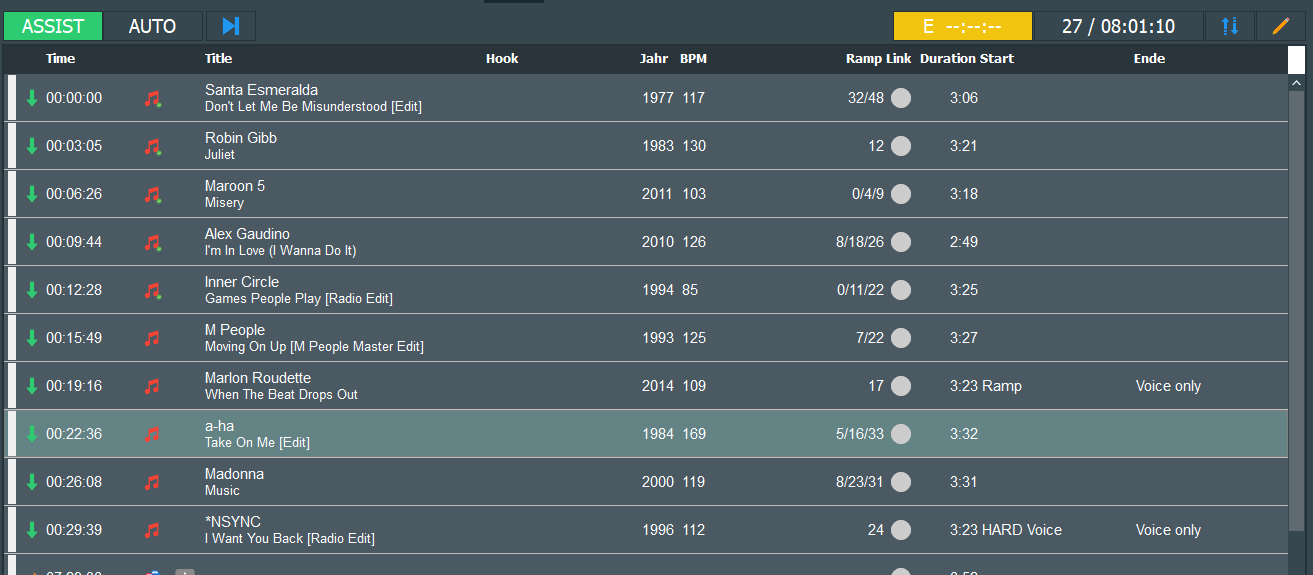
Good morning. I’ve noticed that when the scroll bar is active at the bottom of the column headers, there’s a white box there in dark mode… Here’s a screenshot – is this a bug?
On the far right, next to “Length” in the picture.
When I enable ‘Show items from subfolders’ in the database window, it doesn’t show me the items from the folder, but rather the results of a (already deleted) Smart Folder I had previously created for testing purposes.
User error or a bug?
BTW @Stefan_Hillen : How about a subthread for collecting bugs for 8.1 beta?
Torben wird über alle Bug-Mitteilungen intern informiert
EDIT: Kann ich bestätigen, habe es eben getestet. Direkt nach dem Start der DB-App Oberordner ausgewählt - es waren alle Ordner der DB mit der Anzeige aller Elemente da. “Items from Subfolders” deaktiviert und wieder aktiviert, es wurde nun nur noch der Inhalt des zuletzt angelegten Smart-Ordners angezeigt.

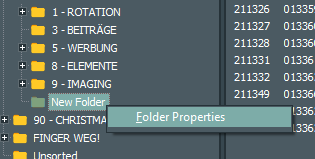
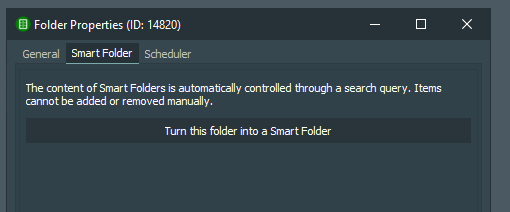
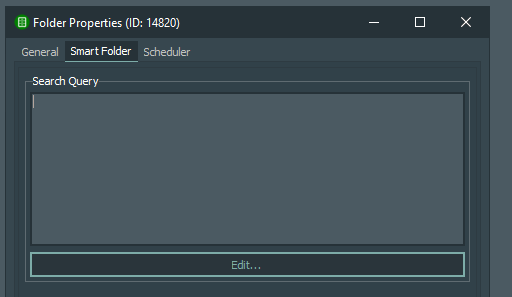
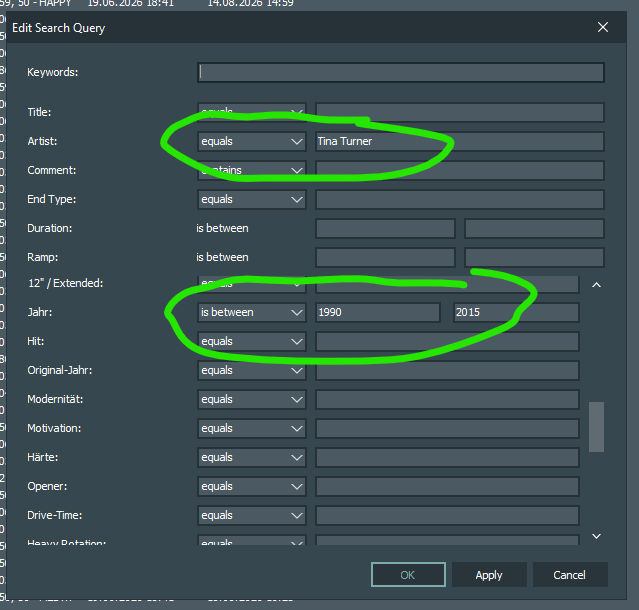
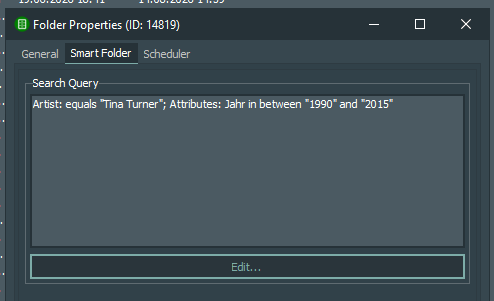
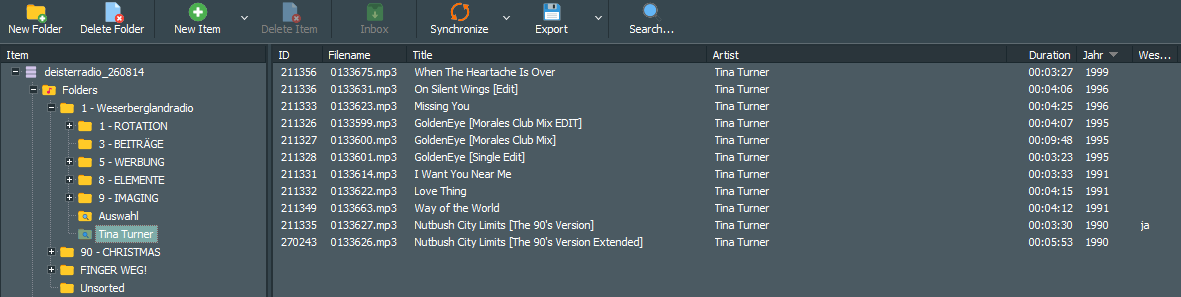
 ?
?
 As soon as I have more details I will post it here.