I’m having an issue with how mAirList handles the transition between two hour playlists.
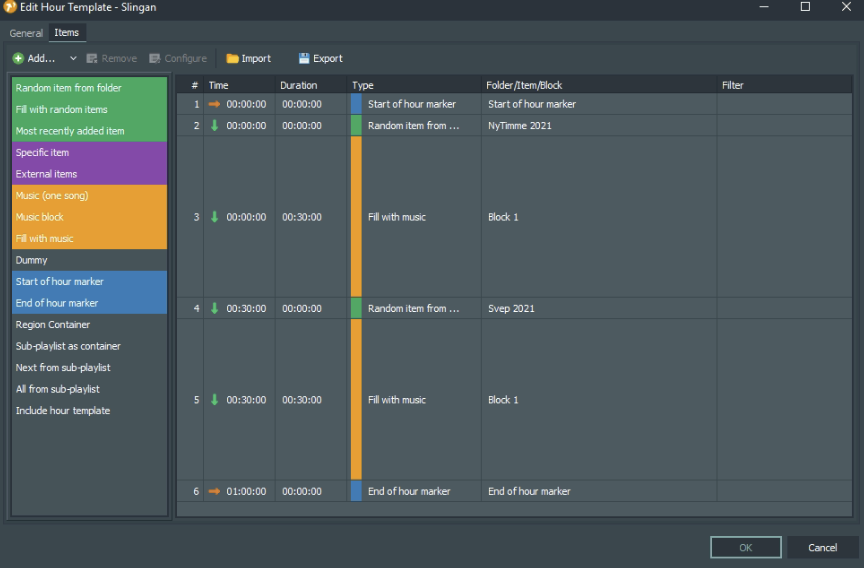
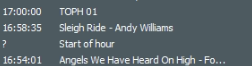
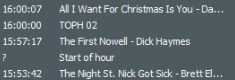
At the end of the hour (for example 00:57), the last song of the current hour is playing. When the clock reaches 01:00, the new hour’s playlist is loaded, and it starts with my TOPH jingle followed by the next song.
The problem is that when the clock hits exactly 01:00, mAirList cuts off the currently playing song from the previous hour and immediately plays the TOPH item.
What I want instead is:
The last song of the “old” hour should be allowed to finish playing.
Only after that, mAirList should load the new hour playlist.
Then the TOPH jingle should play as the first item of the new hour.
How should I configure my hour template and the timing settings to achieve this?
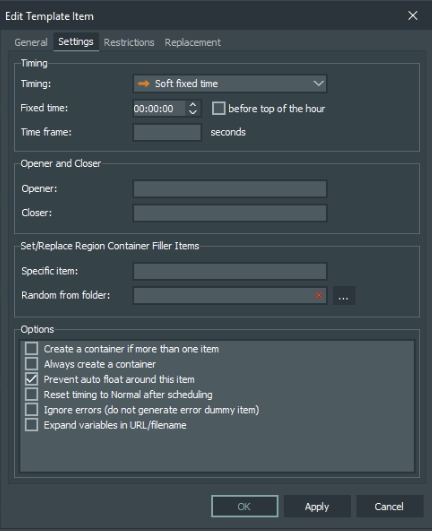
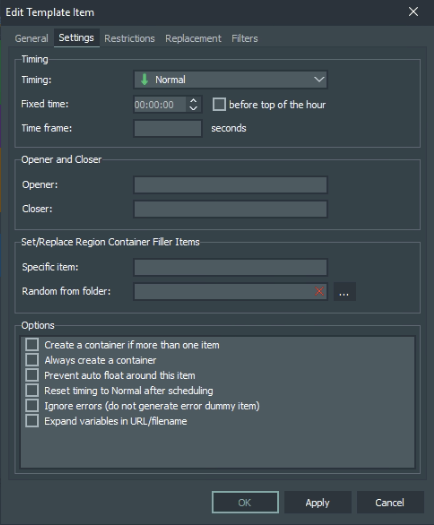
Right now I’m using a Soft Fixed Time at 00:00:00, but it still interrupts the song.
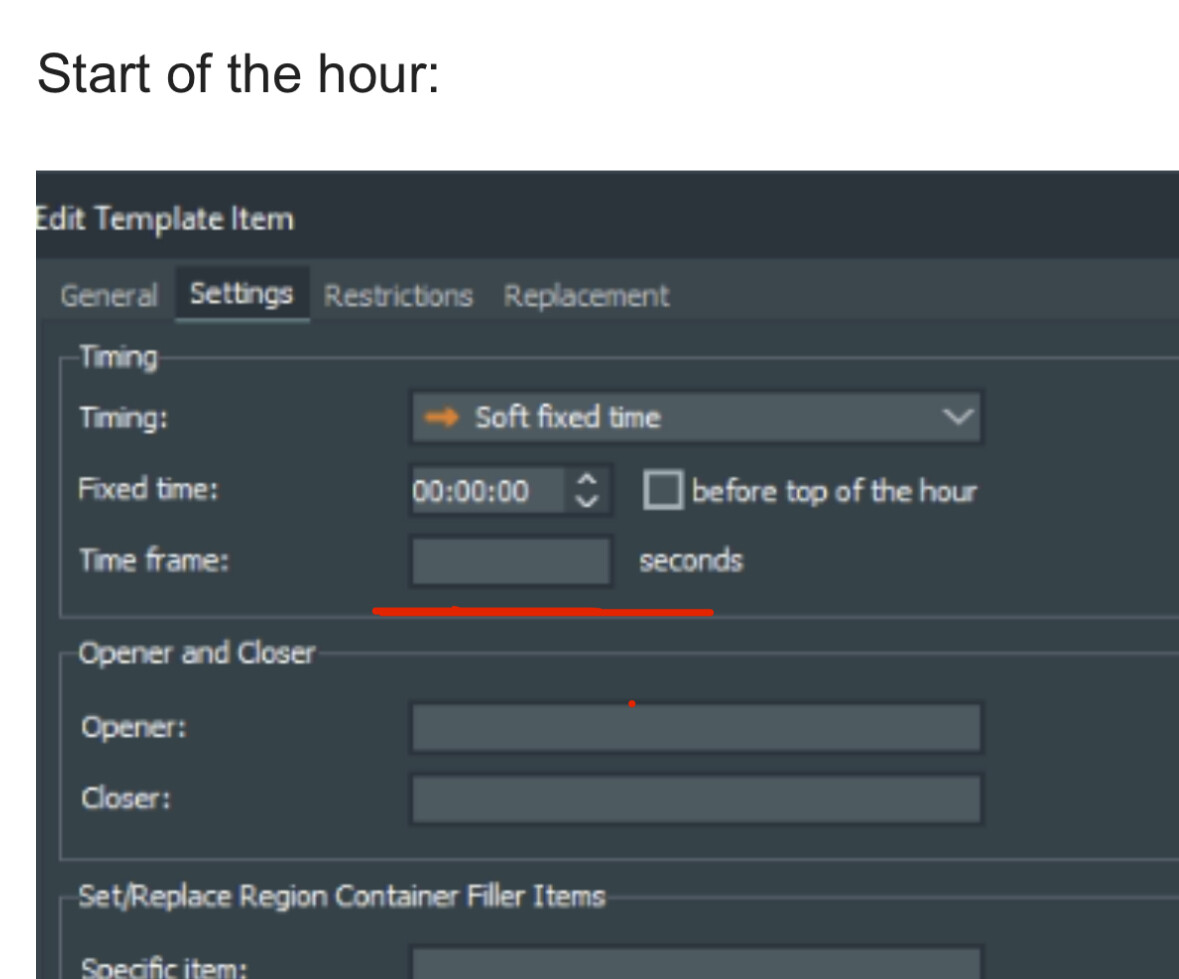
Hi Johan, you need to specify the time frame for mAirList when using a soft-fixed time. Otherwise it behaves like a hard fixed time.
The time frame is the time mAirList “waits” until an element prior the soft time marker is longer played out than a hard fixed time would allow/cut off.
The setting Time frame , when used together with soft timing, lets you limit the playback duration of the current item. For example, with a soft fixed time of 00:30:00, and a time frame of 60 seconds, the item will be started when the current item has finished, but not later than 00:31:00.
Please note: If you adjust the timing settings of the “start of the hour” marker, you must adjust the timing settings of the prior “end of the hour” marker accordingly!
Yes, i’ll try this now sems like the playlist doing it properly now, will see and check if it play the last song without breaking it. Will be back with result = ) Thanks!
Did you also generate a new playlist after your changes to the template and saved it? Recent playlists in the database will not be changed automatically when they were already saved with the old template (!).