Hi,
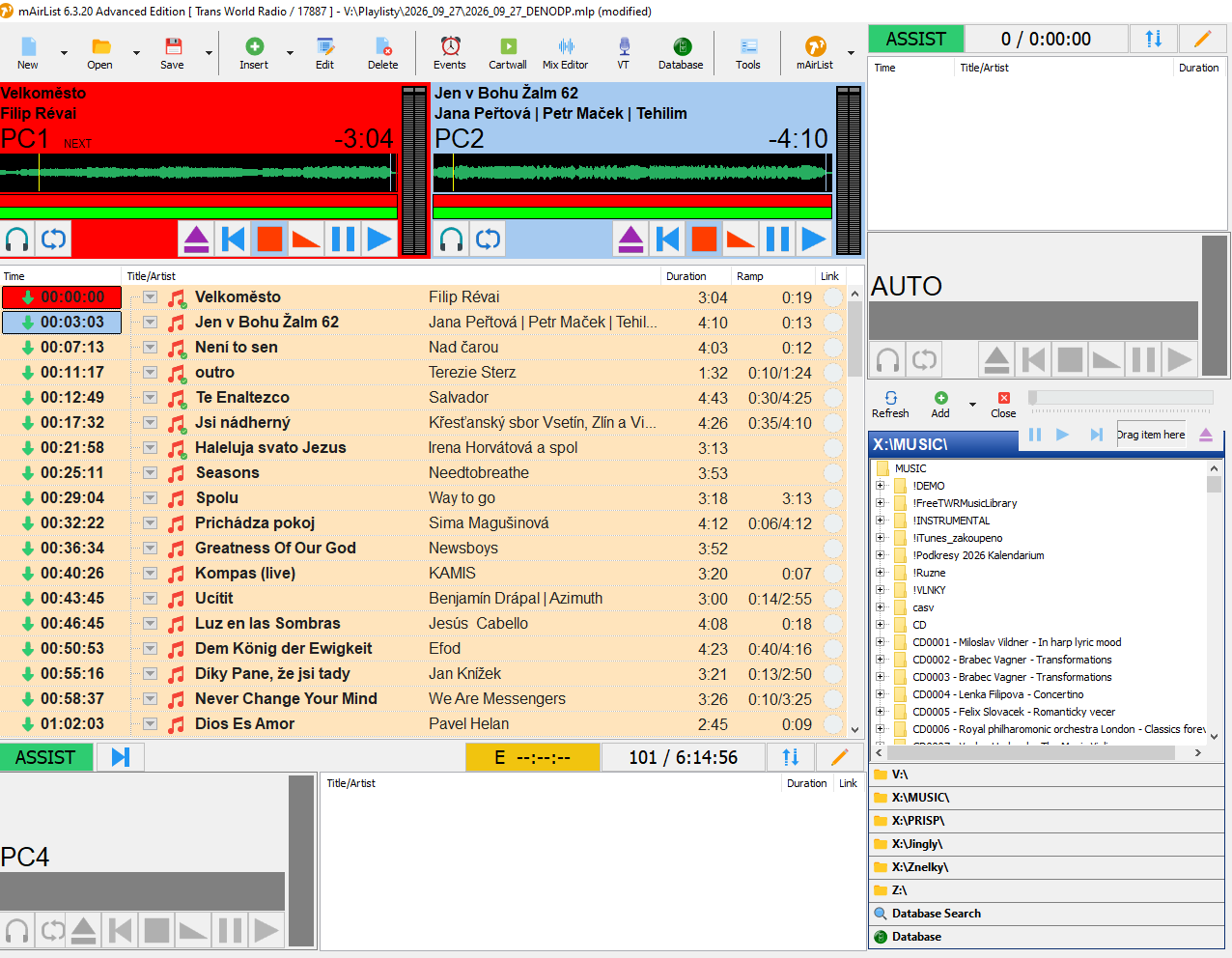
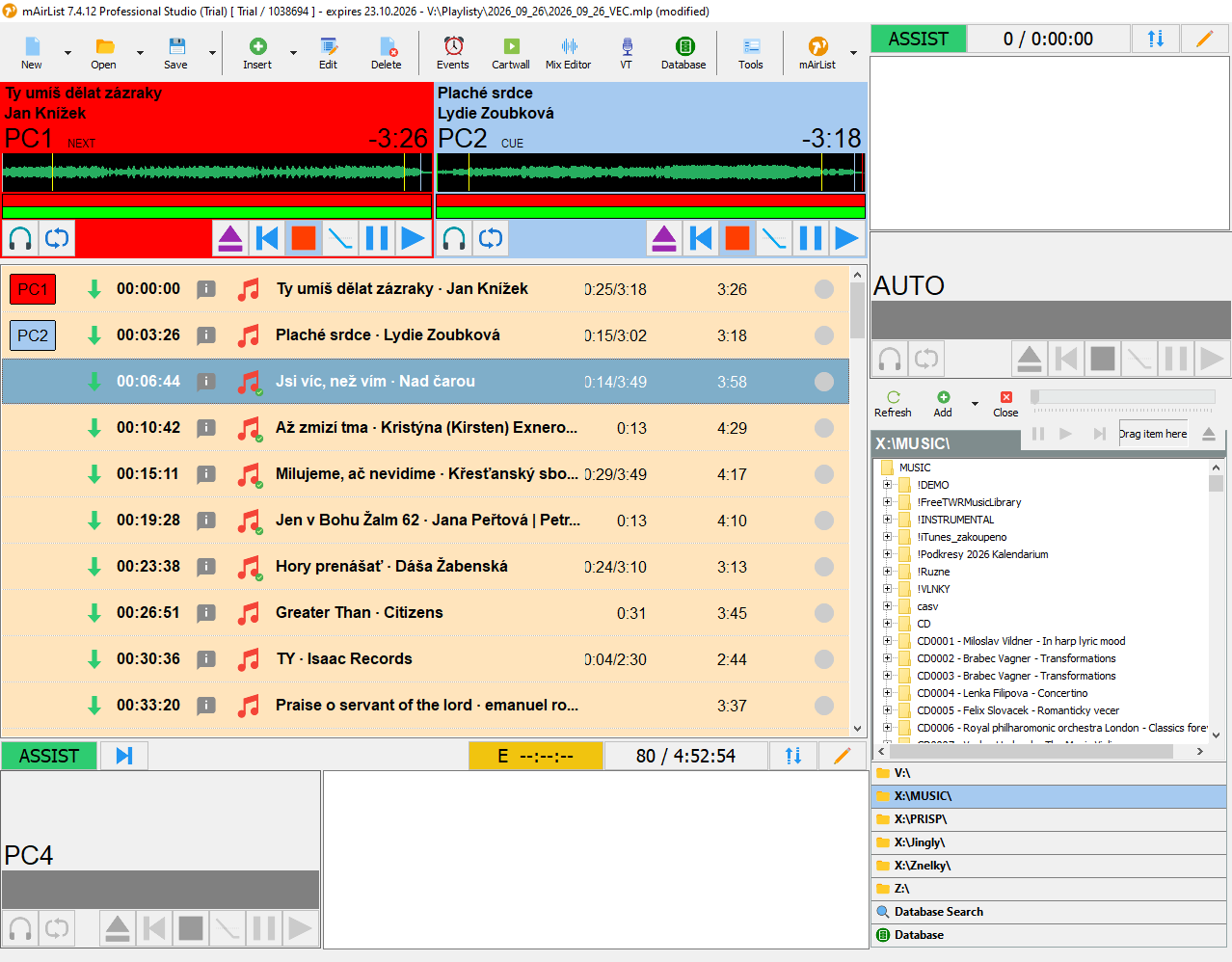
I am evaluating an upgrade from mAirList 6.x to 8.x. During the installation I imported my settings from the 6.x version.
Everything looks fine, just:
the playlists rows are about twice as high as in the 6.x
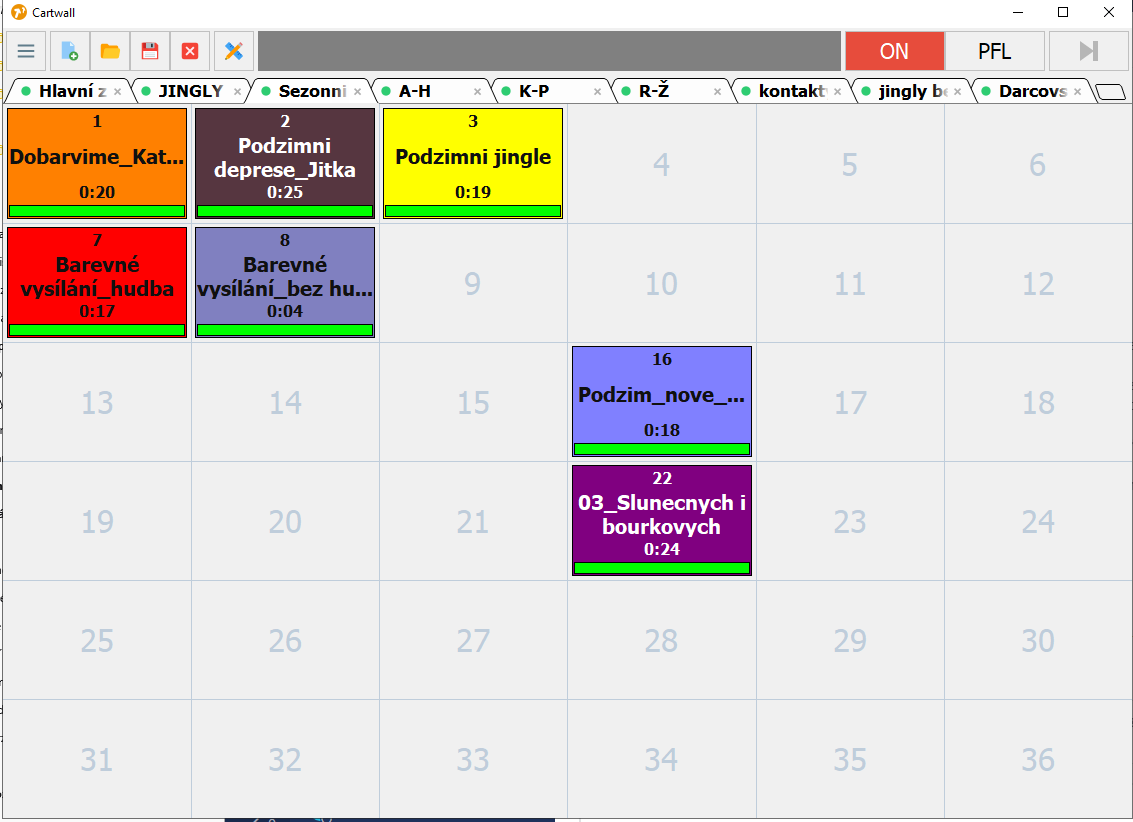
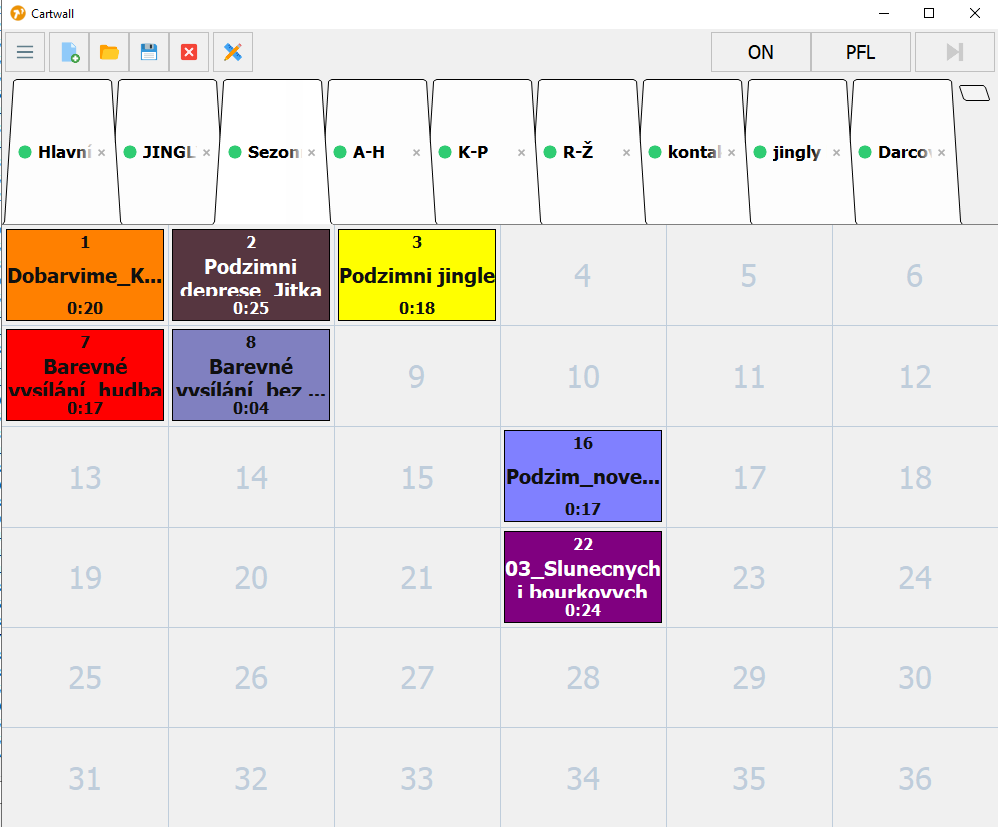
the Cartwall tab headers (tab strip) are extremely high.
The other layout elements appear to be the same as in my 6.x configuration.
Are there any settings where I can adjust the playlist row height and the Cartwall tab strip/headers size to make them similar to what I am used to in 6.x?
Thank you.
You upgraded from version 6 to version 8. There are a lot of changes which affected the behaviour of the players, playlist and cartwall. A good starting point is: [renamed] About skin.ini in v7.x (former Beta)
Since version 7, a skin editor is implemented which let you modify properties and show them after saving. I would suggest to take a look at it.
For reducing the white space (blank area) in the playlist, there are several options
reduce the RowPadding
or set the RowHeight
[Playlist] RowPadding=2 RowHeight=24
For the cartwall, you can adjust the tab height [Cartwall] TabHeight=100
And also another tip, there is looking glass in the right upper corner for searching this forum. Perhaps your issues has already been addressed, and you have a solution at your fingertips!