Hi,
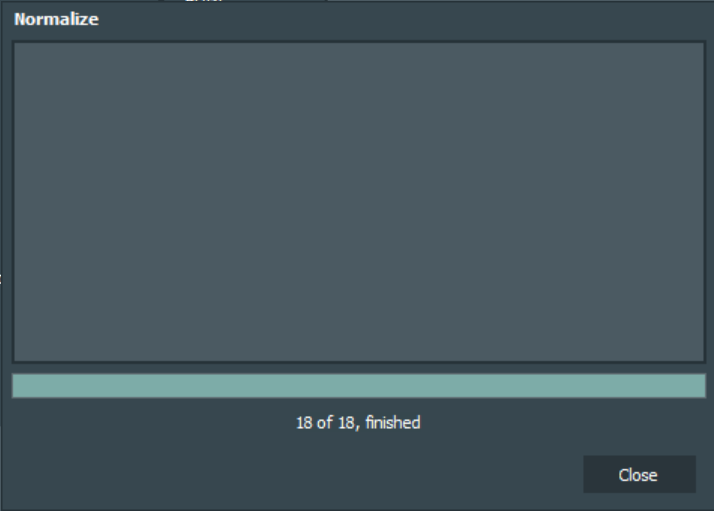
I’m using the Database > Mass Edit feature to apply Loudness analysis and volume Normalization. The Loudness button appears to work fine, but the Normalize doesn’t:
Normalization is not applied using Mass Edit. When I open the properties of 1 track and press Normalize, the normalization is applied.
I’ve tested with mAirlist 7.0.0 Build 5022.
Hello @Maarten,
I can confirm this, but… (later).
First of all, I had my database normalized before loudness had been analyzed.
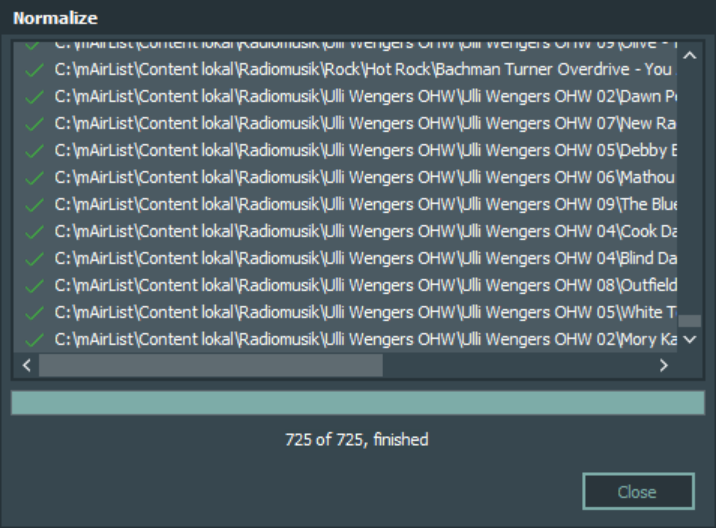
I think this is what you have expected to see.
Now I have changed the normalization method and started the normalization again, without the need of the analysis (the values already exist).
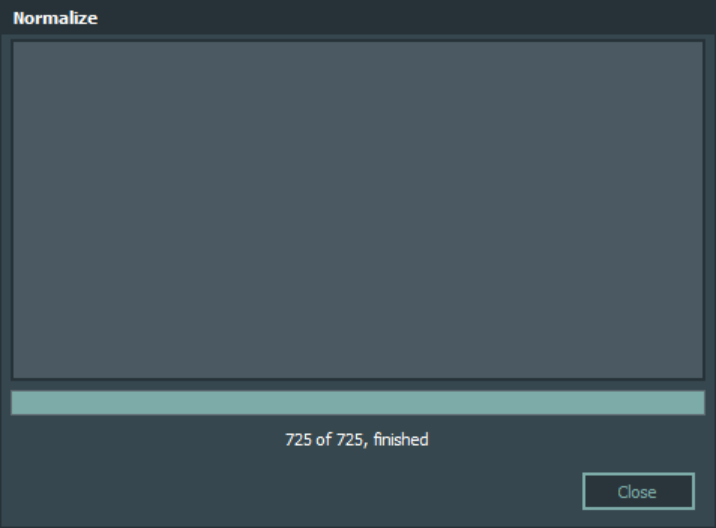
It’s the same what you have seen: An empty window.
It only took a second! 
That must be an error!
Ahm… really?
Well, Torben invested a lot of time and programming (“Blood, Sweat & Tears”  ) in the database and the data model (that’s why we had to change the database scheme) and it’s running much faster and more effective than in version 6.
It isn’t applied?
Sure?
I have tested it in different constellations (database stand-alone, started out of the playout) - each change of normalization method or values was applied within seconds. Okay, the window was empty, but the change has been done.
Would you please check again that the normalization is not applied in mass edit?
Maybe you have changed the configuration values while the database window was open? 
Hi Uli,
Thanks for the detailed reply. I have now closed all windows and tested again and… it seems to be working!
I guess I might have changed the configuration values while the DB windows was open. I’ll keep an eye on it.
Congrats to Torben on the excellent speed improvements!
1 Like