Hello everyone!
I’ve looked around the forum for a bit, but I haven’t been able to find an answer.
I came across a number of posts where I tried some things in the skin editor, but those posts are from a while ago and I don’t think they work anymore in the version I am using.
I have a question about the Cartwall:
I would ideally like two things, but I don’t think both are possible at the moment.
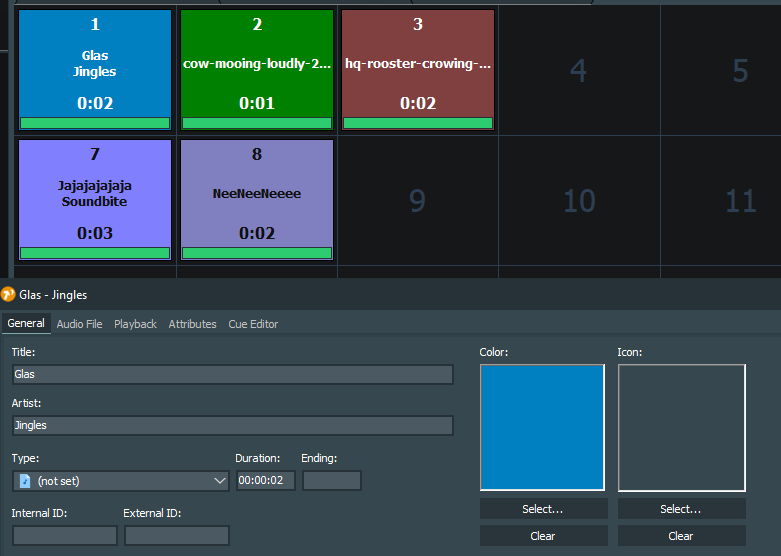
- I would like to color certain buttons in the cartwall. So, let’s say I have a grid with 4 rows of 8 buttons. I want each row to have a specific color so that it matches on my Xkeys keyboard.
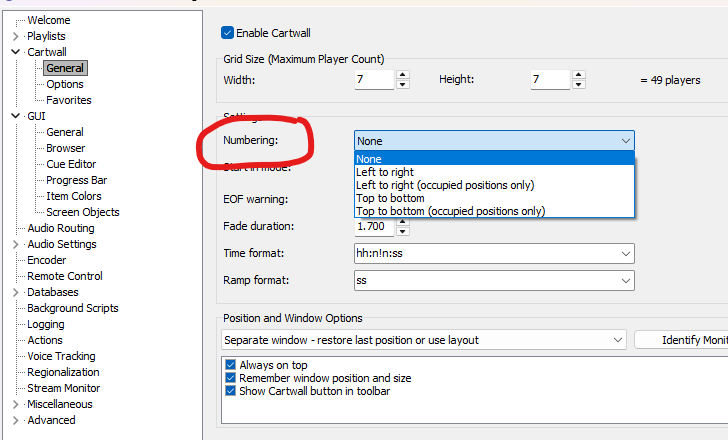
- Is there a way for the numbering of the cartwall buttons in each row to start at 1 and go up to 8?
This is heavily inspired by the cartwall in Omniplayer, so I want to implement this in mAirlist as well.
I would love to hear what is possible and/or how I can implement this.
Thanks in advance!