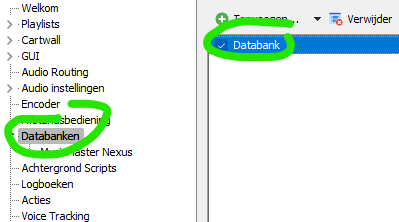
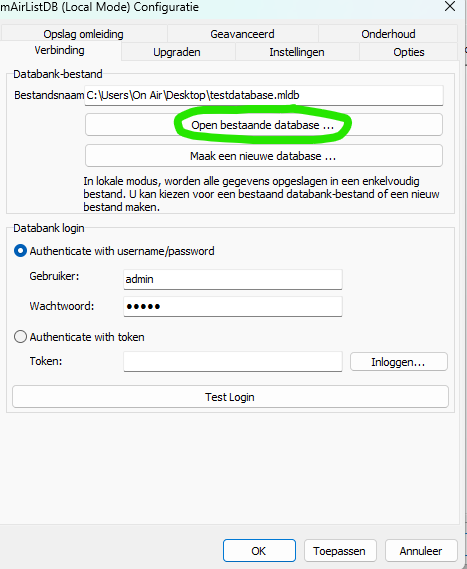
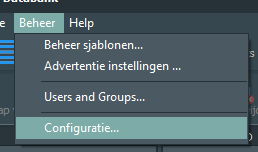
Just copy the local database file (“yourdatabase.mldb”) to a new drive. Change the adress in the mAirList-configuration.
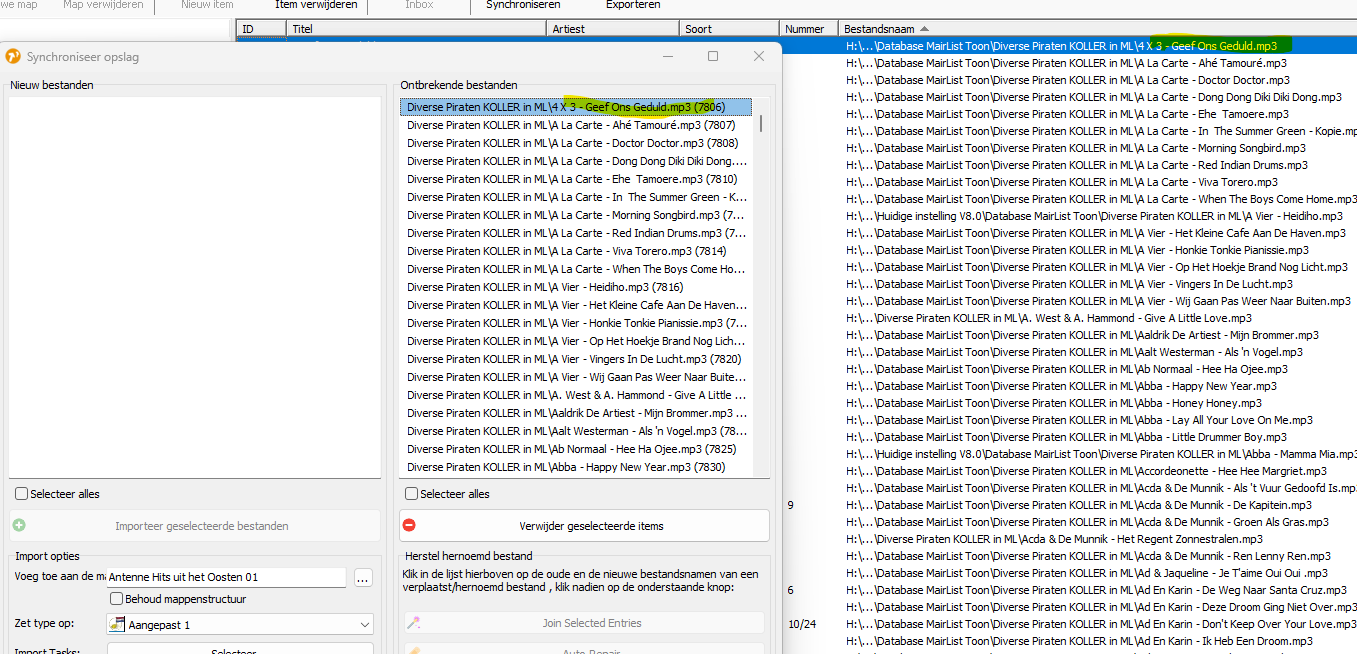
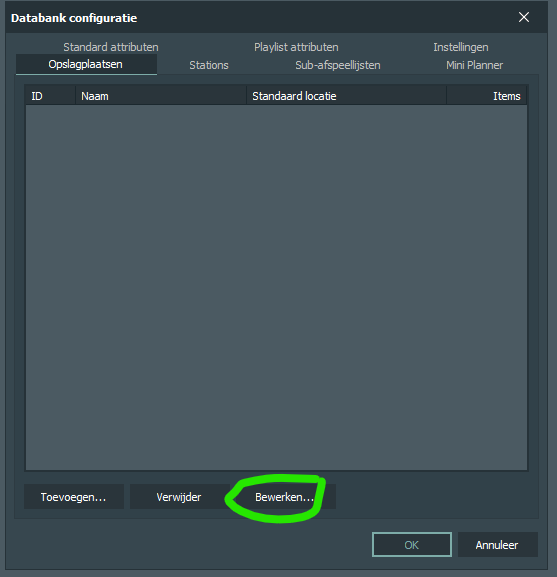
The files: If you have imported the files into the “storage locations” just change the targeting path to/for the main folder (C:\Music to H:\Music). The location in the mAIrList-database is saved in a relative path, not absolute.
Dear,I am new to the forum and perhaps for that reason I do not have knowledge of the forum and its customs. Now i know and wil use an other lettertyp.
Following your advice, I dutifully purchased Mairlist and thought that I would be able to find or obtain the information here as well.
An answer like this is not help me and does not solve my problem; perhaps an answer with a screen might provide some help.
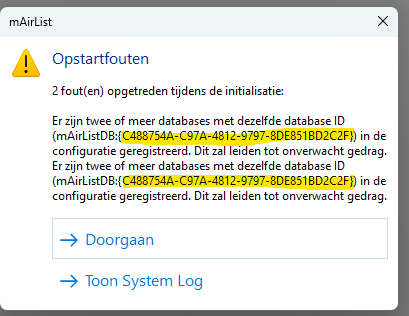
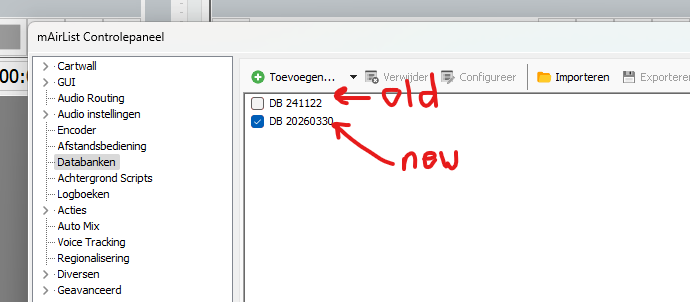
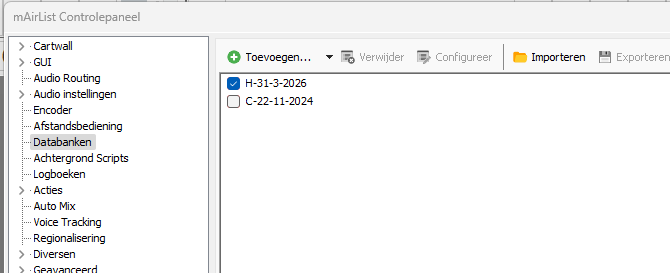
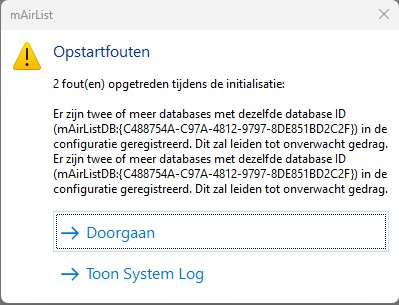
It’s not logically but mAirList “sees” the other dB no matter if you deactivate the database. You need to a) delete it from the config or b) let mAirList re-set the ID.
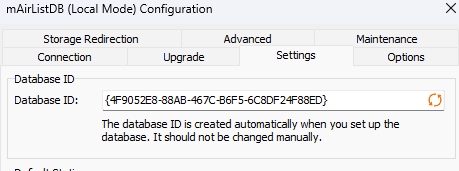
You can reset the database ID by opening the database options in the settings, go to tabpage ‘Settings’ and clear the field ‘Database ID’, and when it’ is empty, click on the ‘refresh’ buttons with the two arrows.