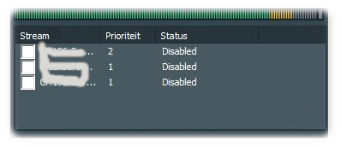
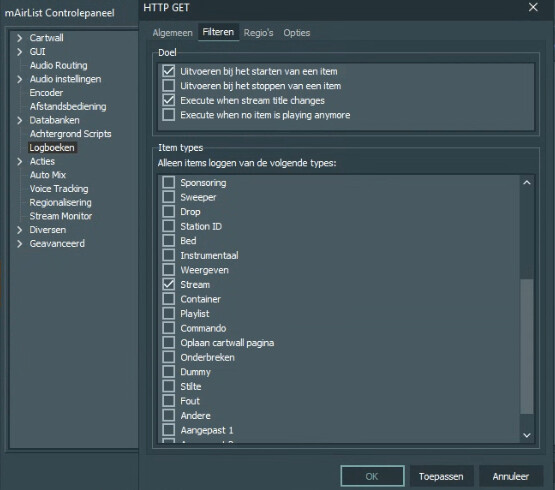
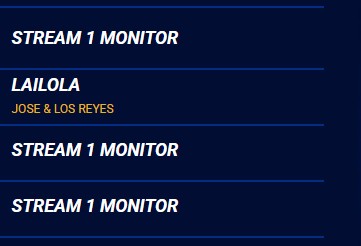
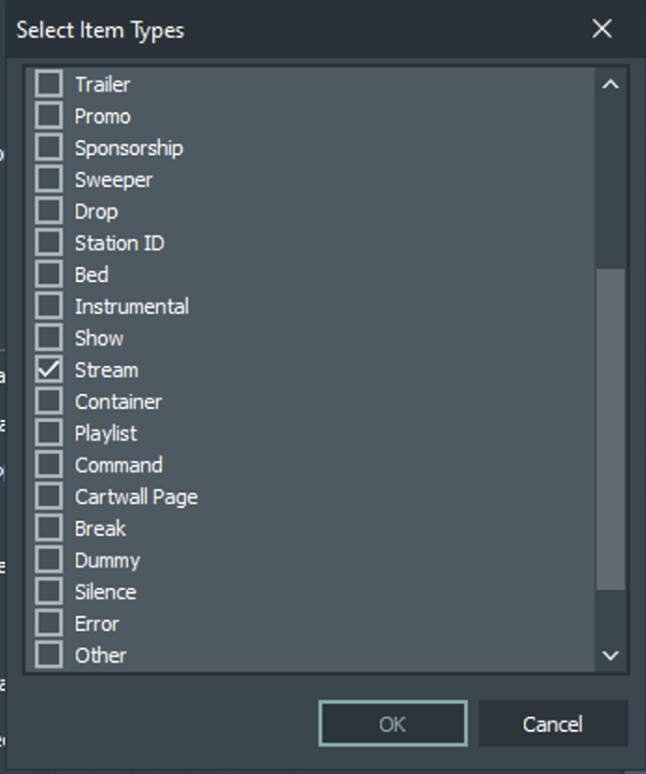
I am using logbook to upload current track info to the website. Since I am thinking about using stream info as well, I enabled stream. When I cheched the website I saw entries on my website naming my streamprovider. It look me a while but I discovered that when I have stream enabled in de logbook it shows my stream monitor on the website. When I turn off my stream monitor or disable the stream log in de logbook the problem is gone. (But thats a workaround, since I want to use both, but this something that needs to be solved).
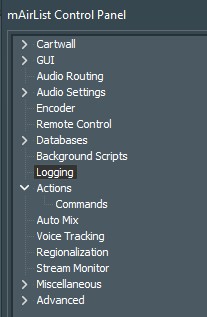
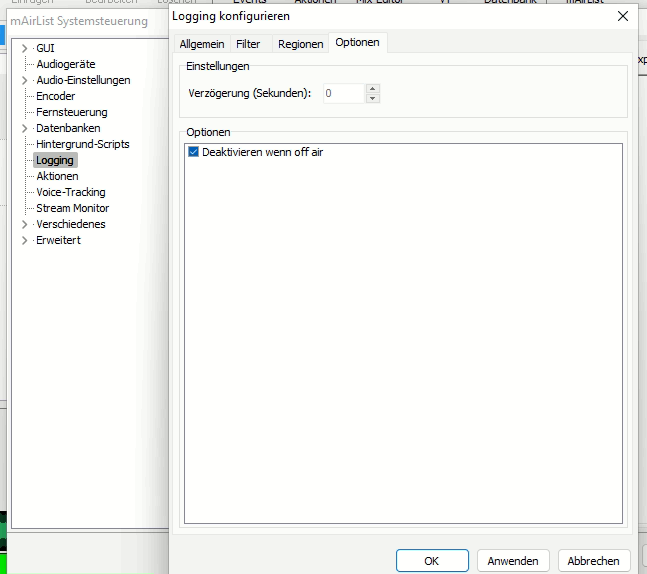
Hi Tondose, Thanks for responding. I am not sure if I understand correctly but since my default language is Dutch it says logboek. Ah… I get it.. I wrote “logbook” but it should be logging. When I set it to English it says logging so I guess we are talking about the same option.
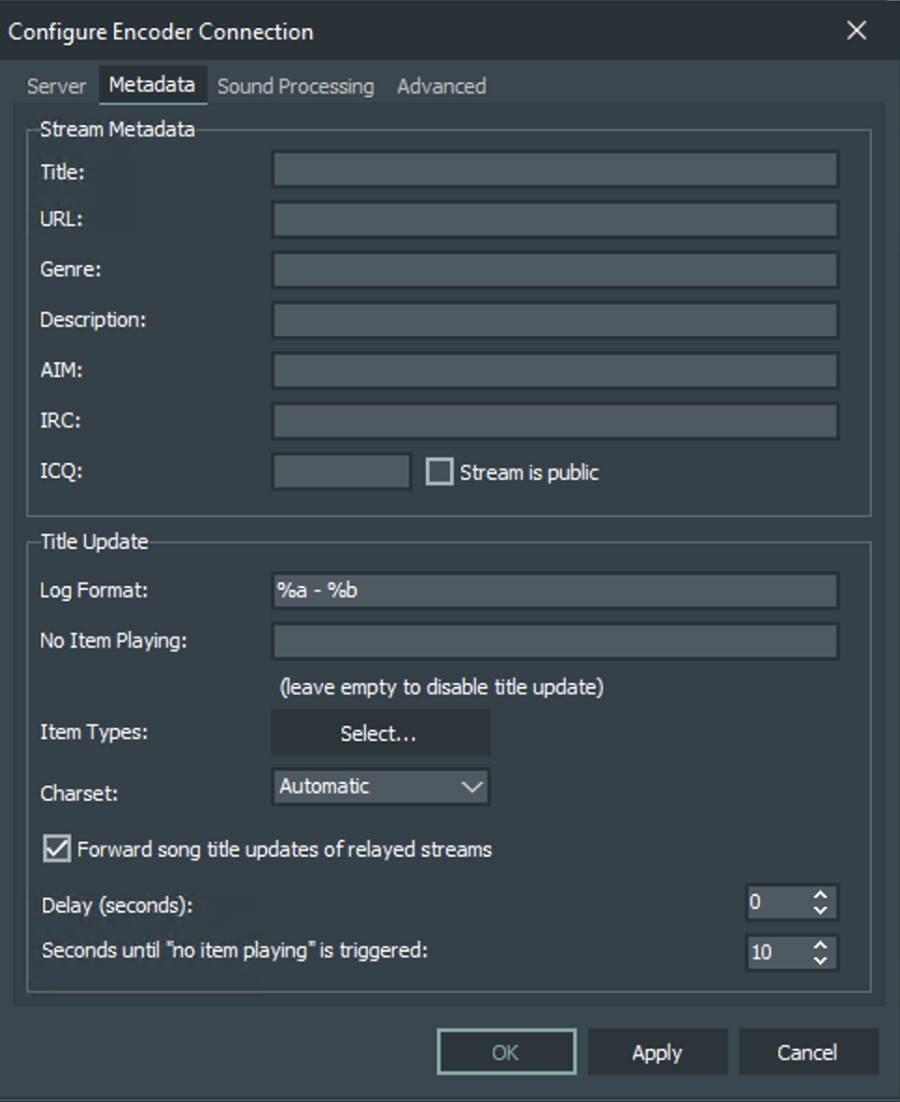
Now, when a Stream Monitor is enabled and starts, the name of the stream monitor is send as metadata update to the encoder. We don’t want this, because our stream monitors have the name of the corresponding studio/location:
It’s only when the IceCast stream of the studio changes the stream title, by playing the next track in the mAirlist instance of the studio, is when the stream metadata is forwarded.
(note that the cover art does not come from mAirlist, we have an external API for this)
This is kind of annoying, because our RDS on FM/DAB+ and website show the studio name instead of the current track for a couple of minutes, which is not very professional. It should instead send a title update to the encoder with the current title of the underlying stream when starting.
Have you tried to delay the Title Update for a couple of seconds? Like 5 or 10 or so? Especially on the studios that are picked up via the stream Monitor.
Usually this happens if the Studio sends the first Title update before the Stream monitor fully passed through. Than you get this effect, that only with the next new song you will get the title properly updated.
If you delay the Title Update, you can make sure you even get the very first Title update passed fully through.
We are working that way for years without any major issue like that. But we don’t use any extra http logging, we only pass that through to our outgoing icecast stream in our mairlist encoder. Our website is picking up that information from the icecast than.
About the streaminfo update setings, maybe @MaartenVN can answer that, but I can imagine that in a history list of tracks based on the stream it could still have an impact.
But since that option is not going to work for the logging, the problem remains. And I have several loggings, the station website and an external source that I have to other impact on.
So in my opinion the probleem needs to be fixed within mAirlist. Fixing the cause would be best but if there is a script that solve this for both logging as encoder, that is fine by me.
Strange. I thought I deleted my previous post or at least edit it with 20 dots. I was in a hurry.
Hi @shorty.xs , thanks for your answer but I already tried that delay. It does not help. For the website I could filter out the exact words of the stream monitor in order to prevent it. But for example to Tune in, I have no option to do so. Regarding the stream I would have to investigate further.
MaartenVN: When he turns the streaming monitor on, the name of that entry is shown in the stream. The delay does not help according to my streaming server log: HTTP Arg: song, value: - Streamserver ..
JohnK: When stream monitor is on, the logging keeps sending the name of the stream monitor to the external source, the result is name of a song, stream monitor entry, name of a song, stream monitor entry, etc. Setting an delay does not make any difference.
The problem is inside mAirlist as far I can see. So I am still looking for a solution.
So looking for an advertiser and renaming my stream monitor to that name would be the solution?This way the name of the advertiser will be shown after each track played.
Without the nonsense. There is really no one that has a clue, workaround or a solution for this? I am really disappointed.