I have changed the font color in my playlist to be black. I also use item color for the entire row. But since doing this, the tracks that already played no longer dim or look faded out like before. How can I fix this? How can I perhaps make the font change to white or fade the whole row? Please help me here, as I tried many things but I can’t seem to change anything. My guess is I need to edit the skin.ini like how I changed the font color.
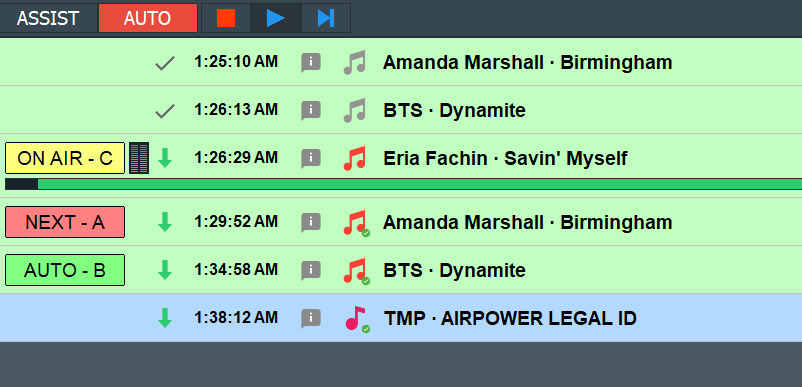
I ran into another issue after changing the item colors is that the area in the browser area of Recycle Bin & Database Search the text is white and impossible to read:
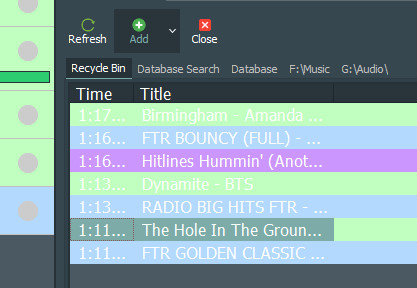
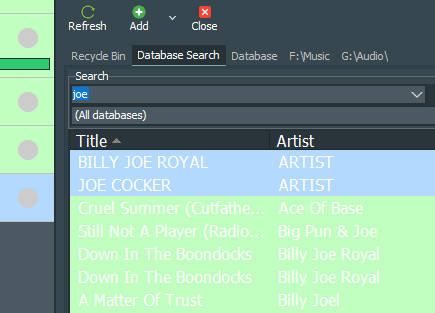
HOWEVER… I do NOT want to change the white text of this part of the browser to black because it is very hard to read. I only want to change the text in those 2 sections from white to black so the text is readable on top of the item colors.
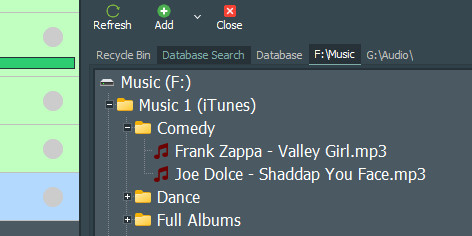
I need this part to stay the same.
Please help.
Thanks.
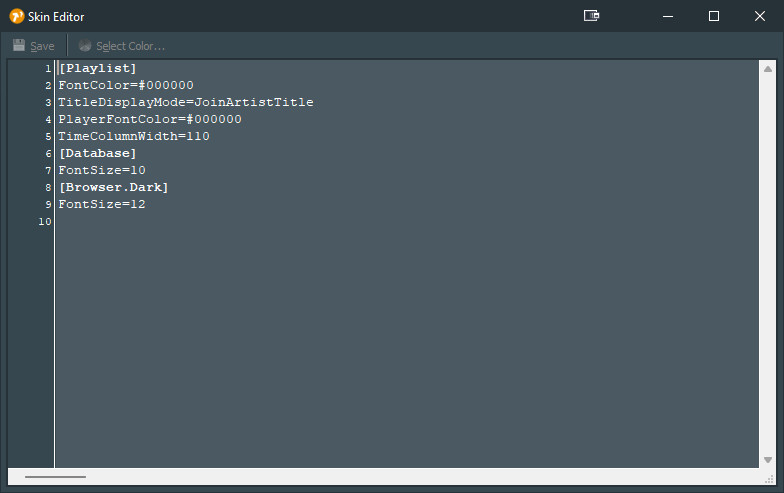
Look here:
For the Played Background of the Played-Items you can use the Player States:
Player State
The following values can be used for Player State in order to select a row based on the state of the player in which the item is loaded:
|Loading| Player is being loaded |
|Loaded| Player is loaded and ready |
|Next| Player is loaded and ready, and is next in sequence |
|Playing| Player is playing |
|Fading| Player is fading |
|EOF| Player is at EOF |
|Error| Player has an error, or prebuffering failed |
|Paused| Player is paused |
|PFL| Player is in PFL mode |
|Empty| Item is not loaded into any player |
|Played| Item has been played |
|Skipped| Item was skipped |
|Overflow| Item is “overflow” (will be skipped due to a following fixed time item)
You can set the color of the played row.
[Playlist]

..

; last in Playlist section

PlayedRowColor=#202020
PlayedFontColor=Gray2
Take a look at the skins posted here in. You can find then using the search function. They give you a good starting point.
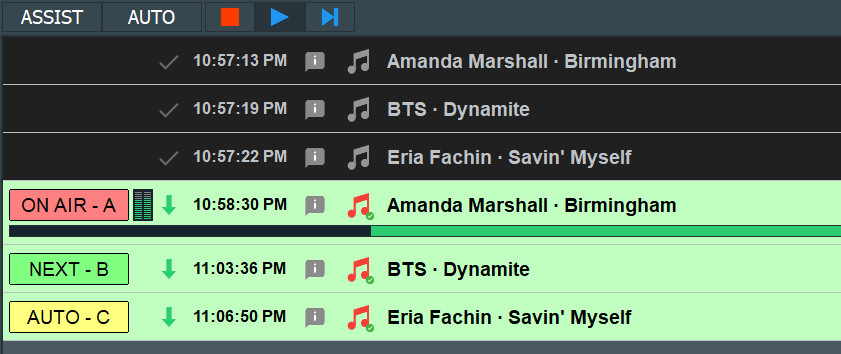
I forwarded it to Torben, after testing the skin.ini entry by myself. It seems that there’s a small bug in the code ignoring the FontColor completely for this.
Fix is on the way…
After installing mAirList 8.1.1 the issue is NOT fixed. Still persists.
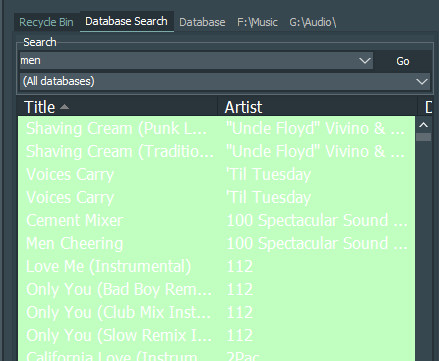
I also noticed another issue:
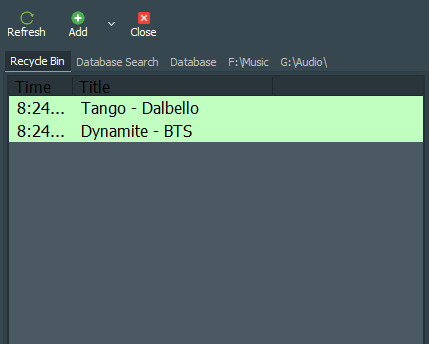
The colour of the text is correct in the recycle bin under the item row green colour.
However you can see the “Title” & “Time” text are incorrect as they should be WHITE like the rest of the sections next to it:
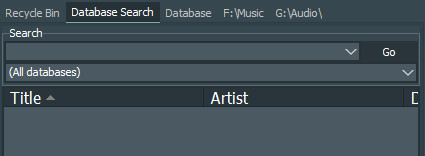
So I hope you can see and understand the inconsistency or errors in the text colouring..
I really need to fix the search results text from white to black. I can’t do my show because I can’t search any songs. Thanks.
As a workaround you might alter the background colour so you could at least carry on with your show.
Sorry I made an error on the version I am using. I am using V8.0.11 Build 6049
I updated to V8.1.1 Build 6106 and the issues persist.
Nobody said that it will be fixed right in the next version? 
As always Torben is collecting different minor things like this and, if/when there’s time for, he will fix them all together. 
Sorry, just reporting my findings in case it helps.