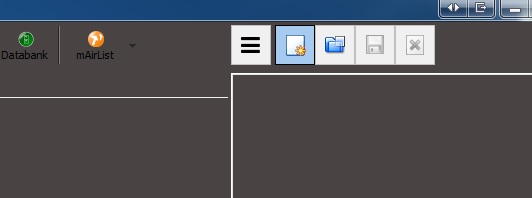
My new skin is almost finished, but there are a view things that I don’t understand. Can someone help me?
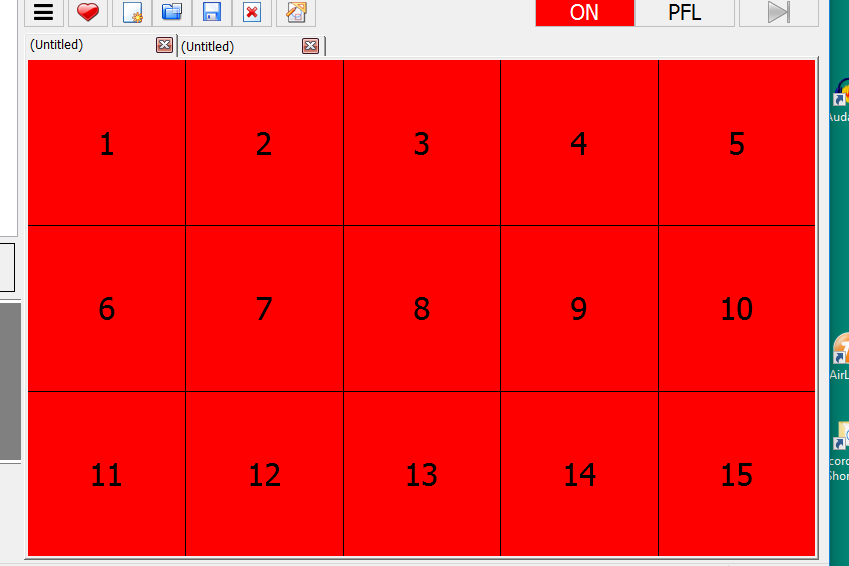
The Cartwall is in Fixed Color mode, but I want to change the font color of the loaded players. It’s black and I want them white. I’ve tried LoadedFontColor, but it doesn’t work. I’d also like to change te size end font of the numbers of the loaded players.
I don’t want to use the waveforms, but instead I’m using the progressbars. But is there also an ‘allow seek on mouse clic’ available for the progressbars? I’ve tried ProgressBarSeeking=on in gui.ini, but no luck.
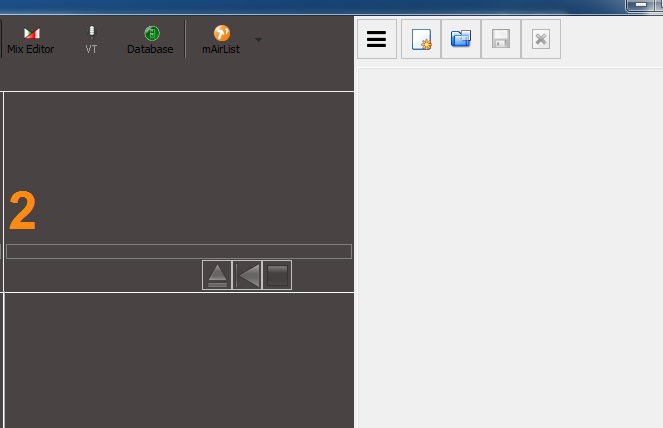
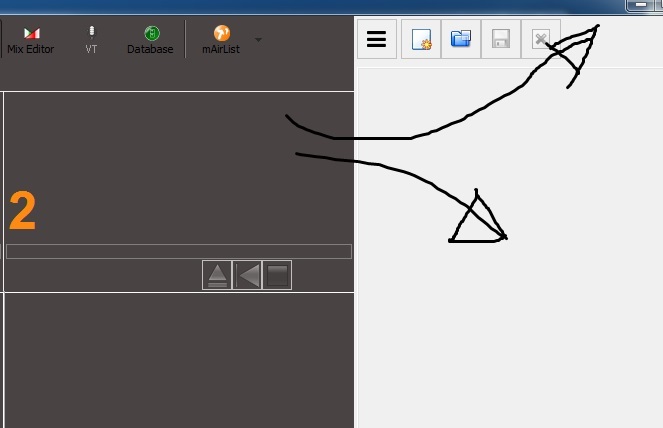
[CartwallToolbar], I would like to change the background color, but also no luck. How can I do that?
That’s enough for now. The other things I’ll try to sort them out for myself
I don’t know the exact answers to your questions.
But I found a skin.ini from a station in Hamburg. And I just changed the color codes and a couple of times colours didn’t change if I made a code from the mairlist skin reverence but in the found skin from Internet whit a different code it changed.
I try to accomplish the same thing as you, but it takes a lot of time, not everybody is a pc expert.
The v5 cartwall does not have state-depended colors, instead only IndexFont, TitleFont, TimeFont, so you will want to set IndexFontColor, TitleFontColor and TimeFontColor.
Seek on mouse clicks is only available for waveforms. (And it’s just a very rude hack, actually you should never have the need to seek on air in radio.)
Just checked it and found that there is no setting for that right now. Actually the toolbar is transparent, so it has the same background color as the entire cartwall window. So should we make a setting to change the cartwall window background color then? What do you think?
Actually, it is! It’s a option that’s been used very often during broadcasting to find en certain point of a track, off air. Also it’s an option that is possible with the well known software that’s used in The Netherlands at all national radiostations like Dalet 5.1 and OMNIplayer. I’ve been using that for years, so if you would consider to make it work for the progressbas just like you did with the waveforms, you would make me very happy
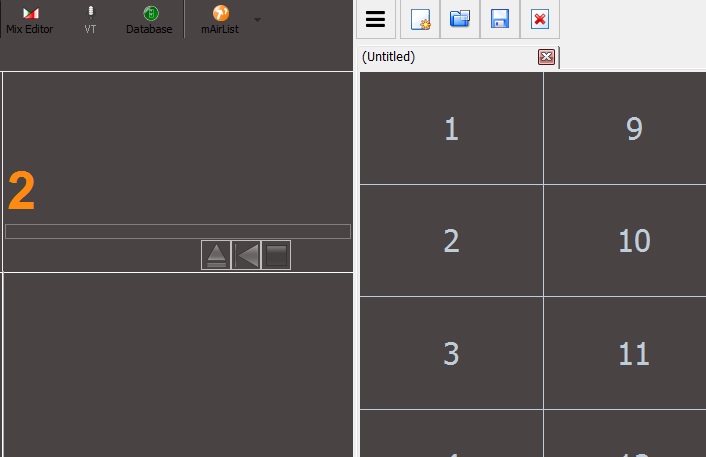
Well, I needed it as a work-around because I’ve tried almost everything to change the backgroundcolor of the unloaded and empty cartwall, but nothing happened. But when I can change that, there is no need to change the color of the toolbar because that will be the same as the cartwall. But, how do I do that? I’ve tried:
[Cartwall]
[CartwallToolbar]
[CartwallWindow]
As you can see, creating the color op the empty player within the cartwall isn’t the problem. It’s about the background of the toolbar AND cartwall BEFORE loading a page.